Exapta for Mac.
Your Exapta workspace in its own window. It sits in the Dock, tells you when someone writes, and keeps itself up to date.
Download for MacVersion 0.3.52. For Macs with Apple silicon, on macOS 12 or later.
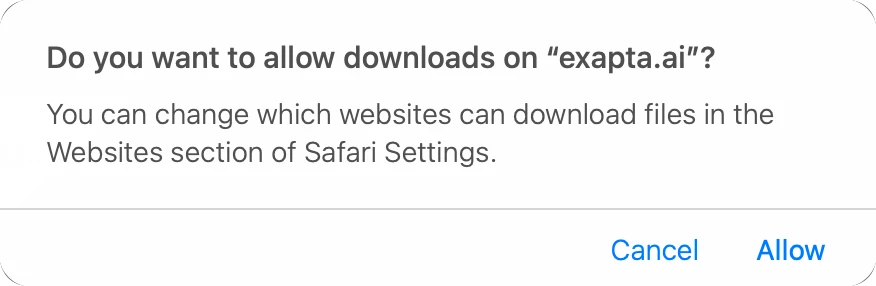
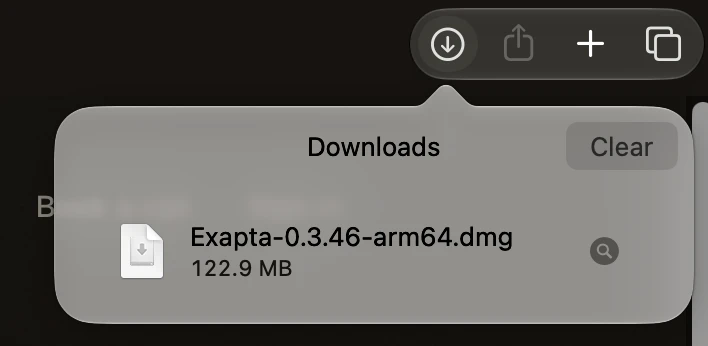
- Allow the download if your browser asks, then open the file from your Downloads (in Safari, the arrow at the top right).
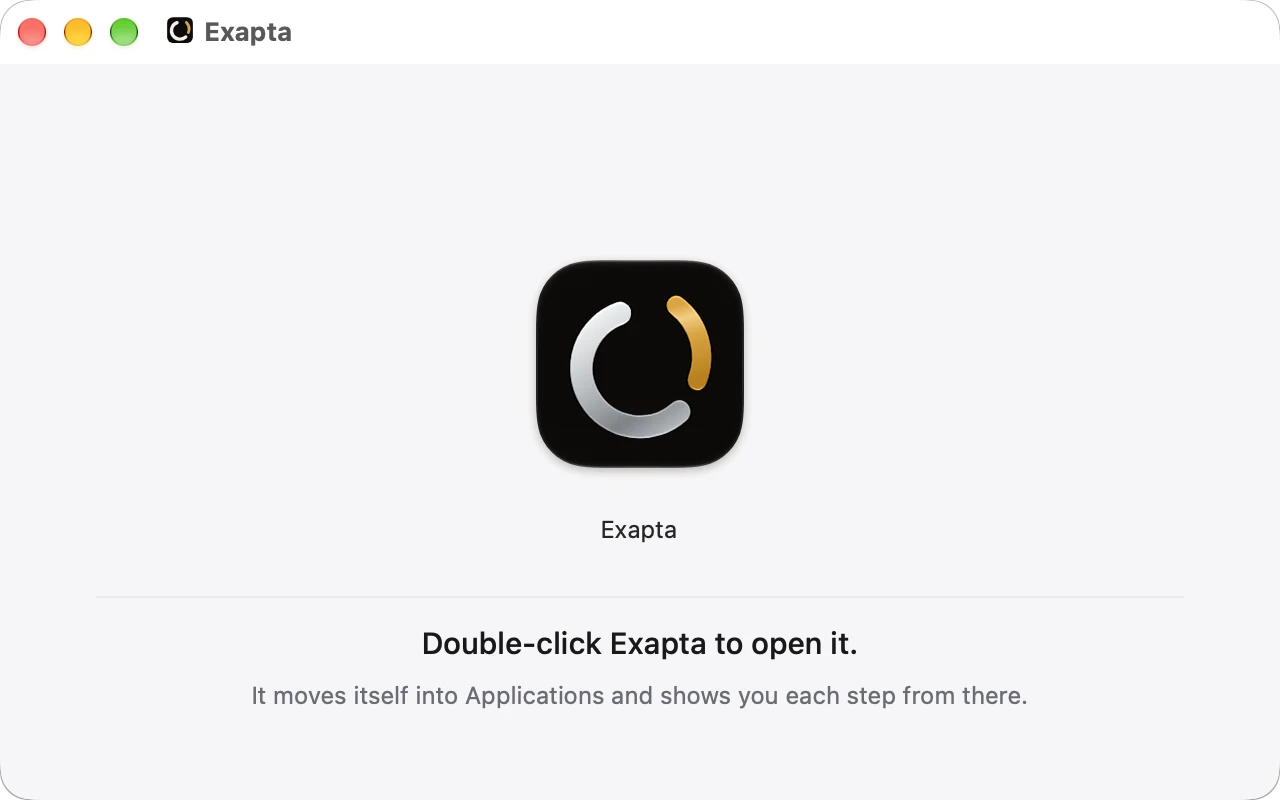
- Double-click Exapta.
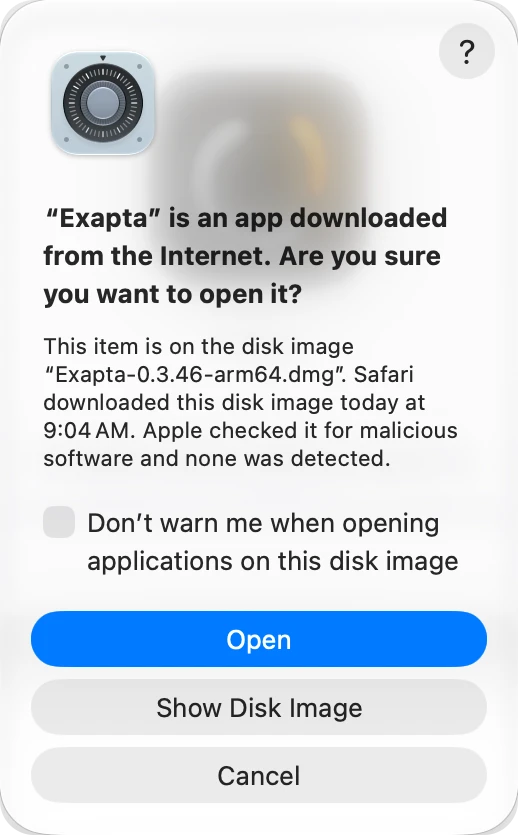
- macOS asks once whether to open it: press Open. Exapta moves itself into Applications and opens.
Sign in with the six digit code we email you. From there, Exapta shows you where to click at each step of its setup. It updates itself and asks before it restarts.
On Windows, Exapta runs in your browser today. Sign in here.
Not on Exapta yet? You can start now, without a call. Create your free workspace. If you would rather talk first, book a call.